Available now
Fishing Game Tool: Refreshed
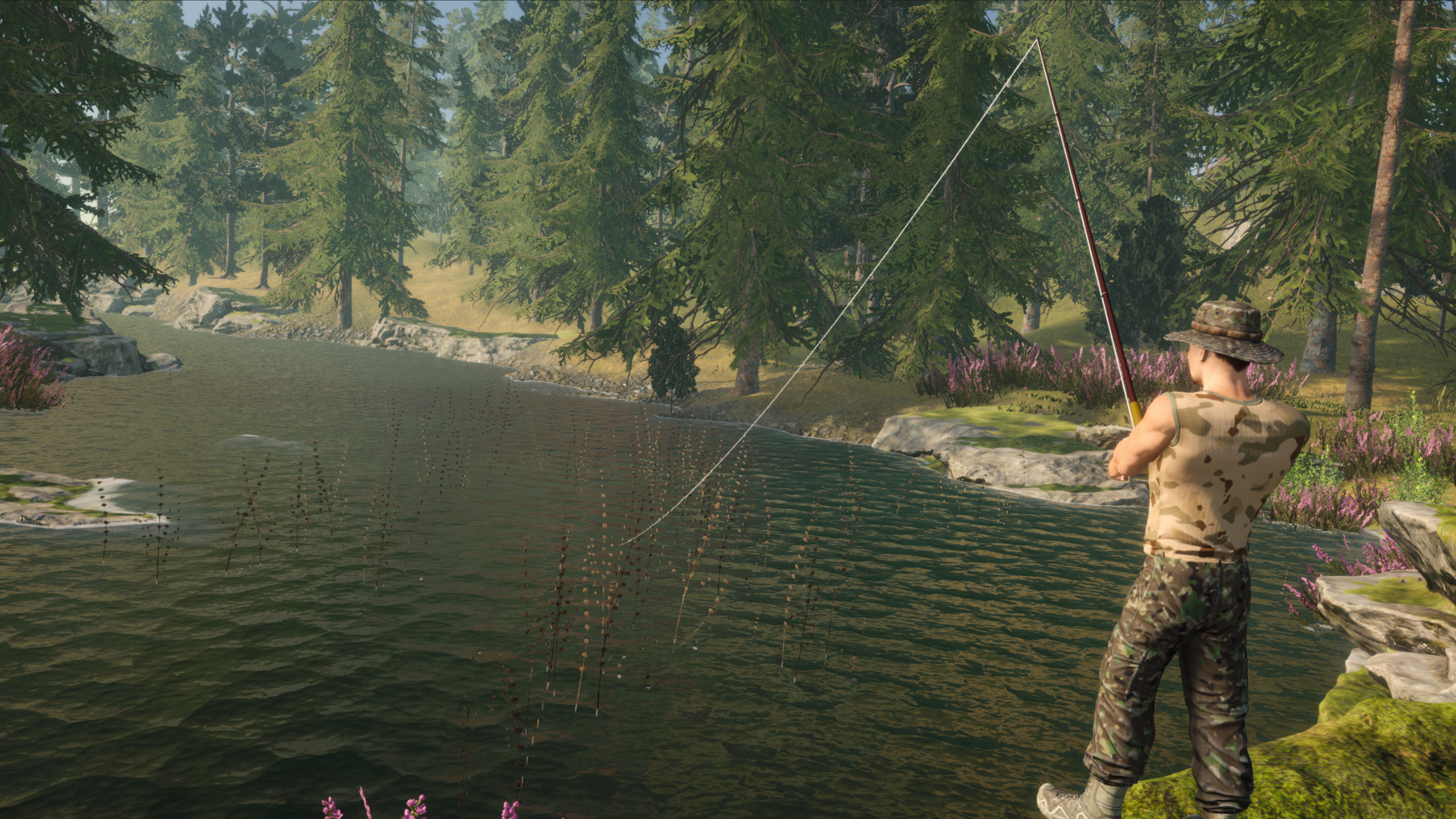
A ready-to-use, flexible fishing system for 3D games. Includes casting, bites, fighting fish, fishing spot configuration, a rod bu...
- Built-In
- URP
- HDRP
- Requires Unity
- 2022.3.4f1 or newer
Available now
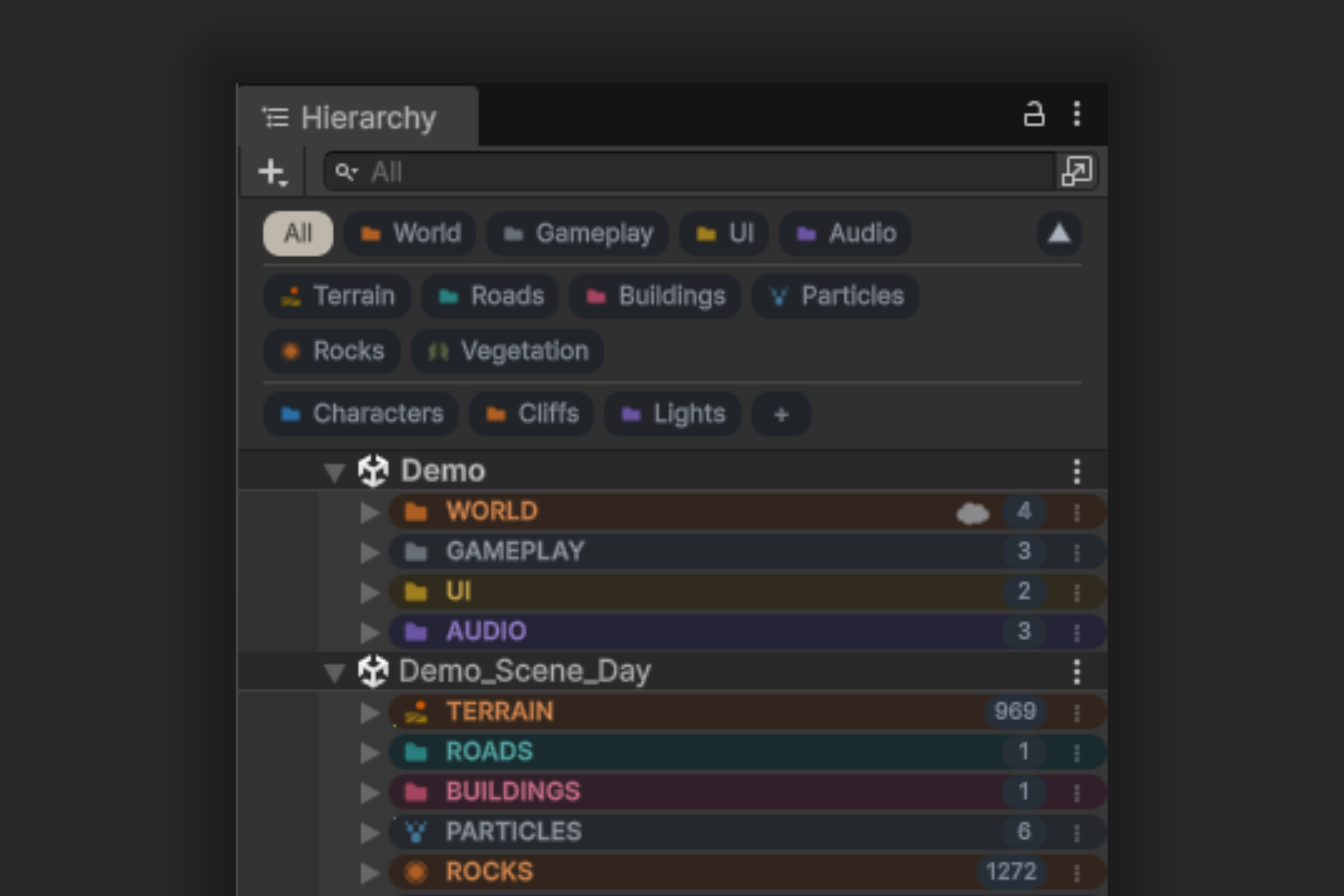
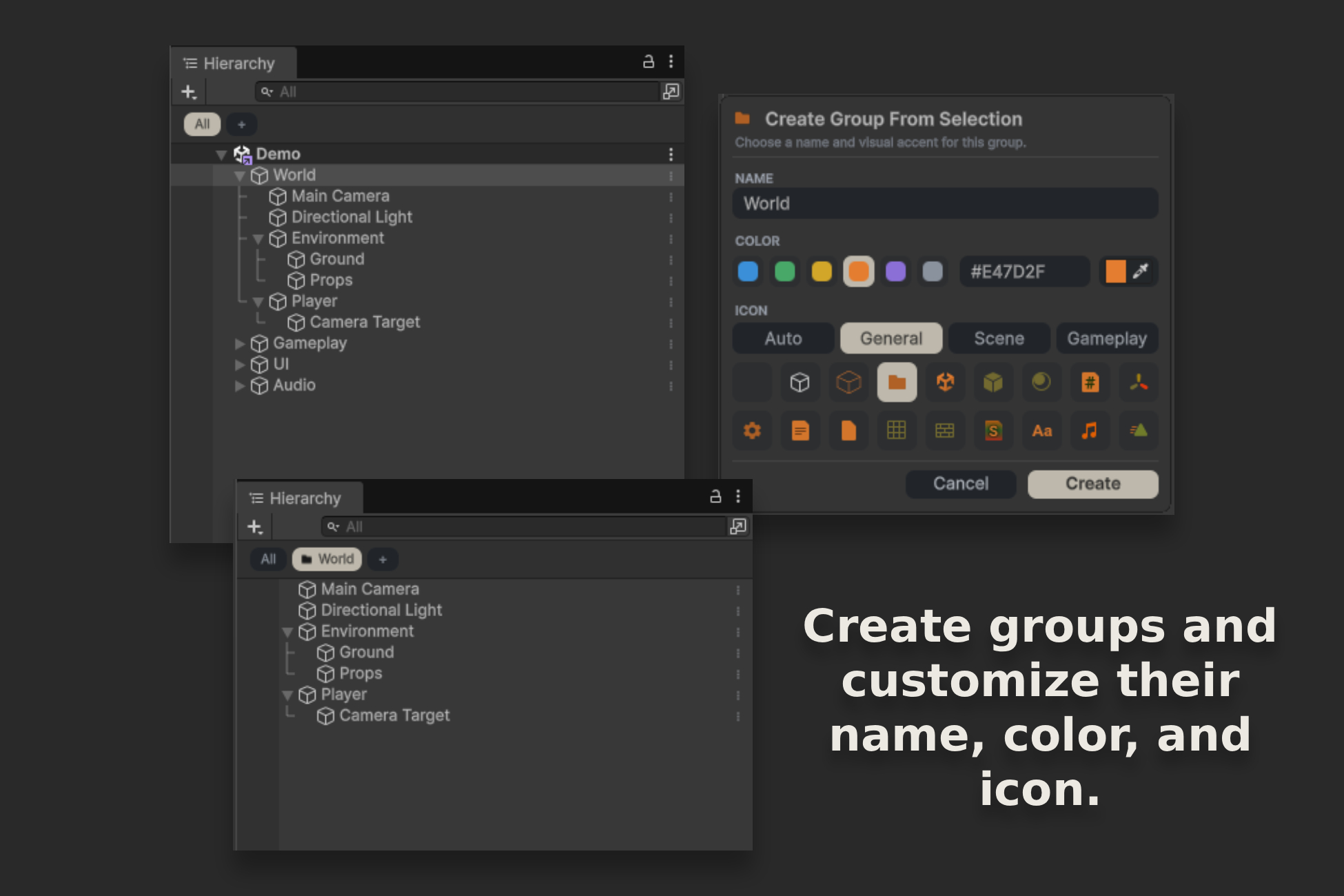
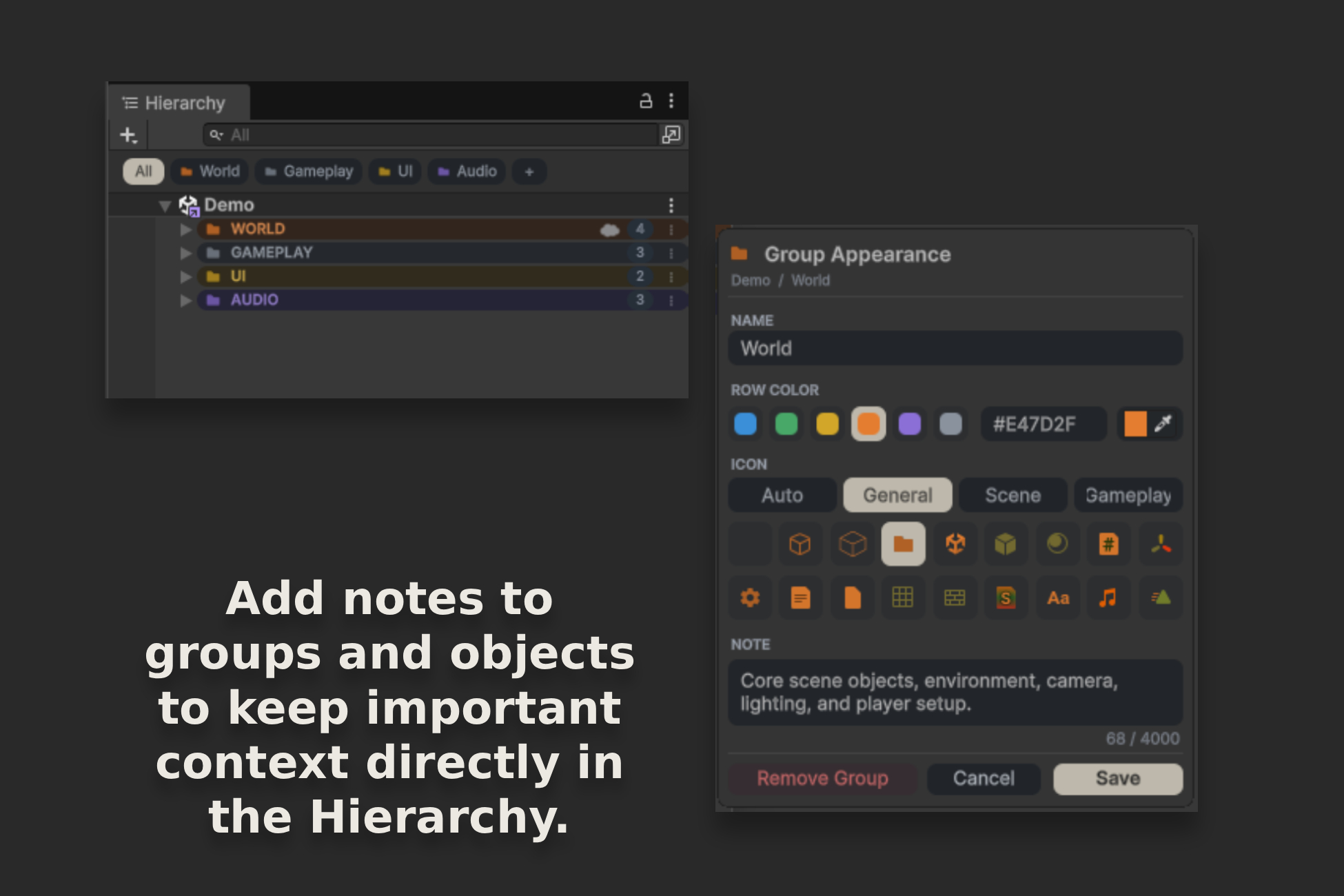
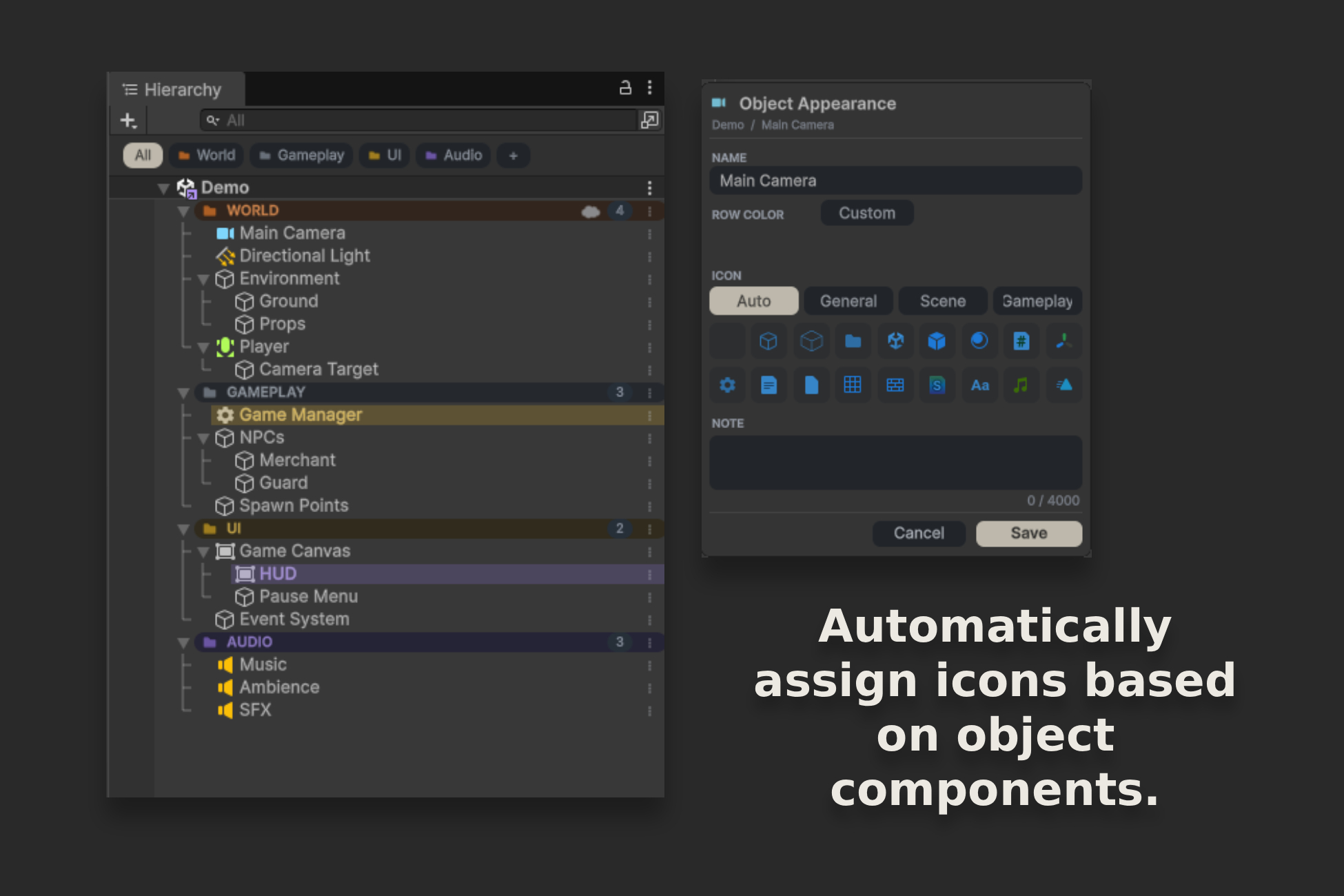
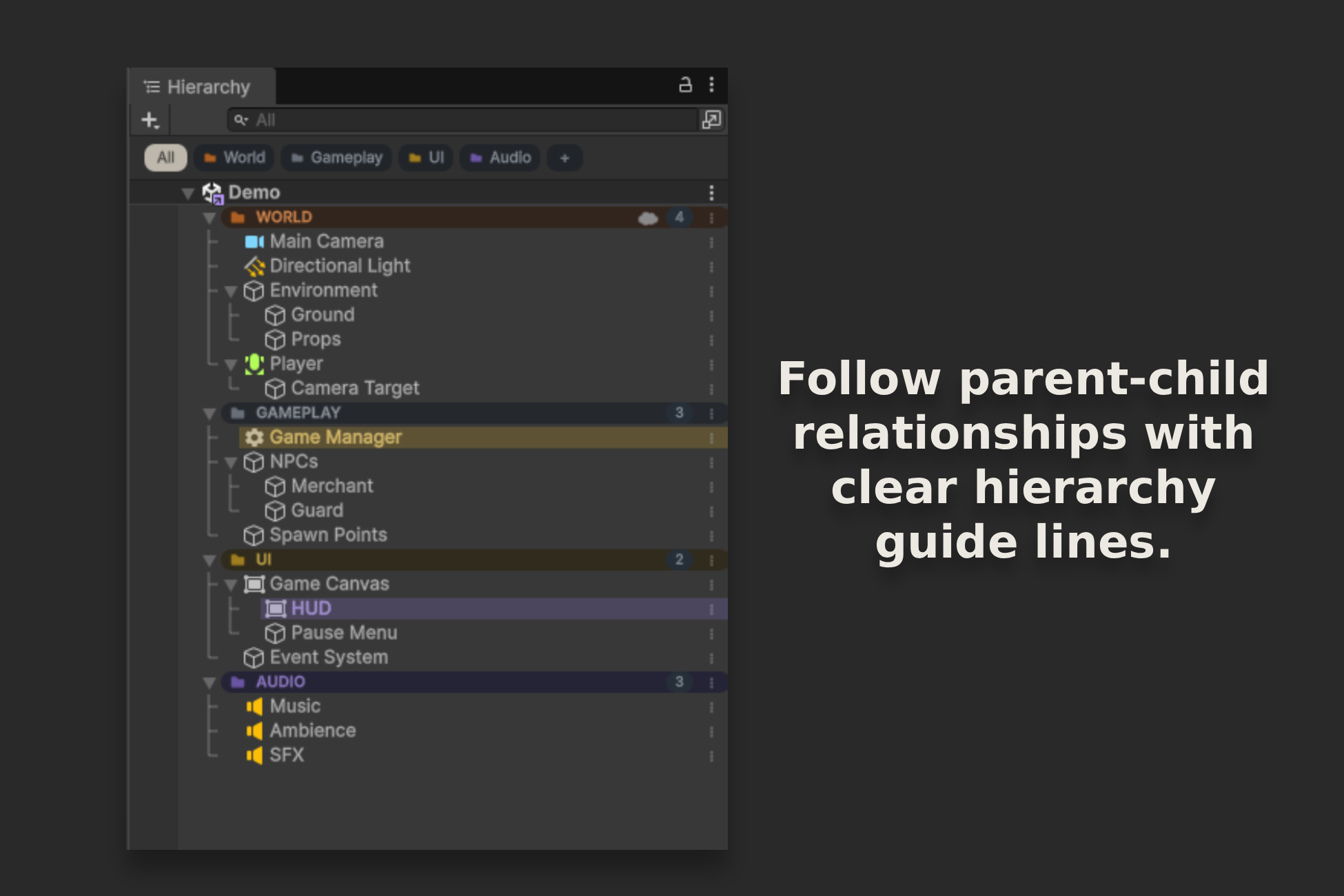
Awesome Hierarchy helps organize complex scenes with groups, filtered views, colors, icons, and notes. Find the objects you need faster and maintain a clear project structure without adding runtime components.
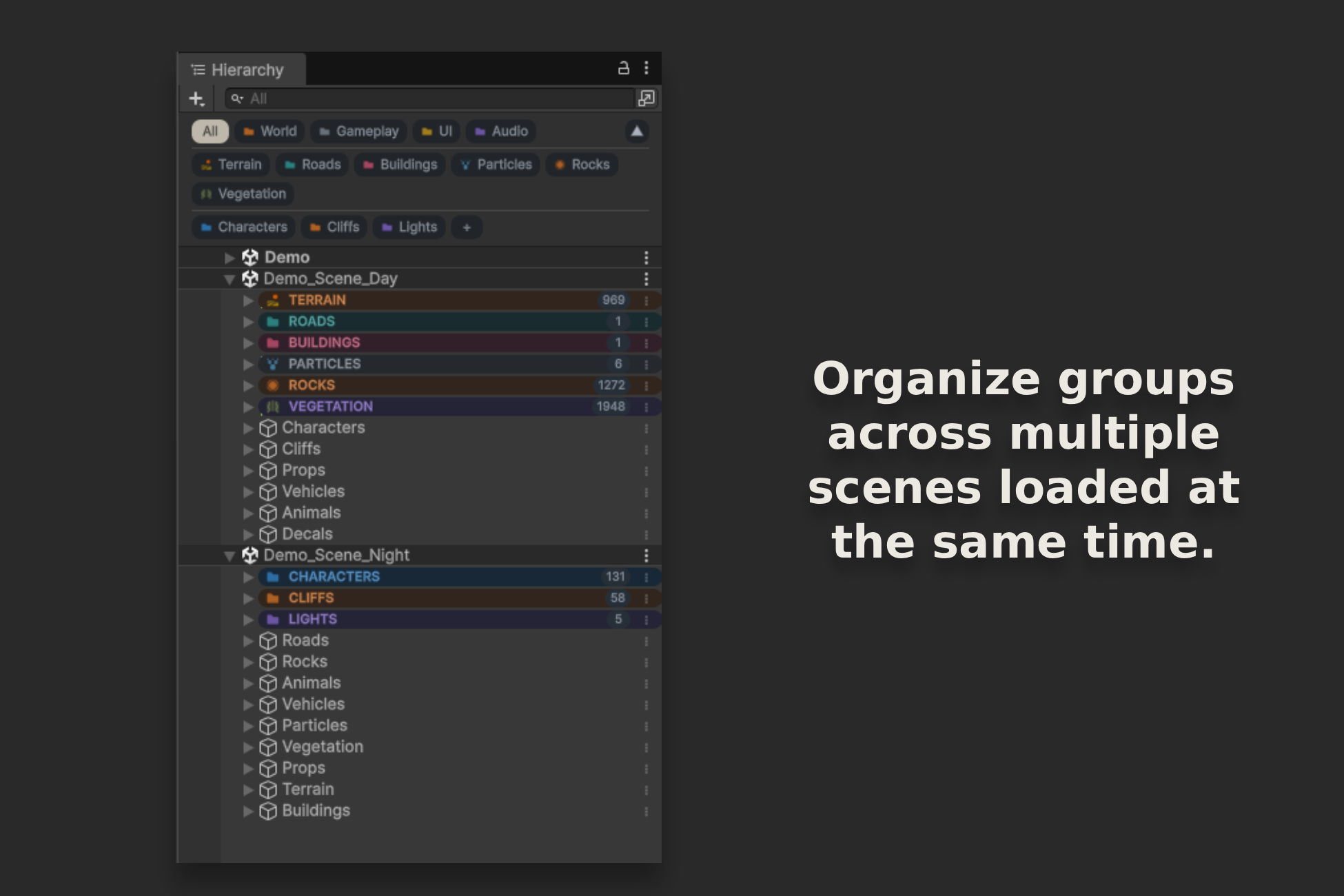
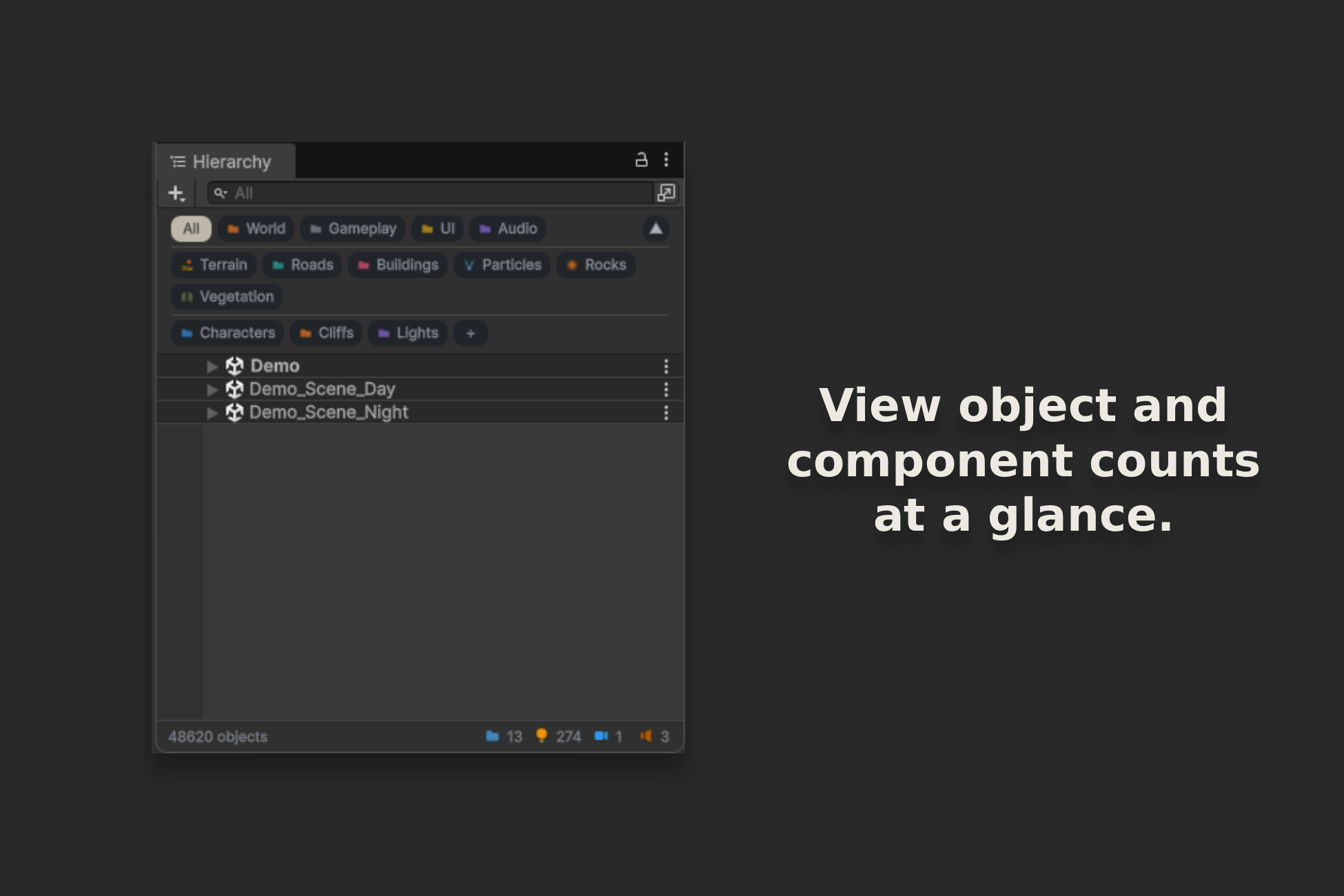
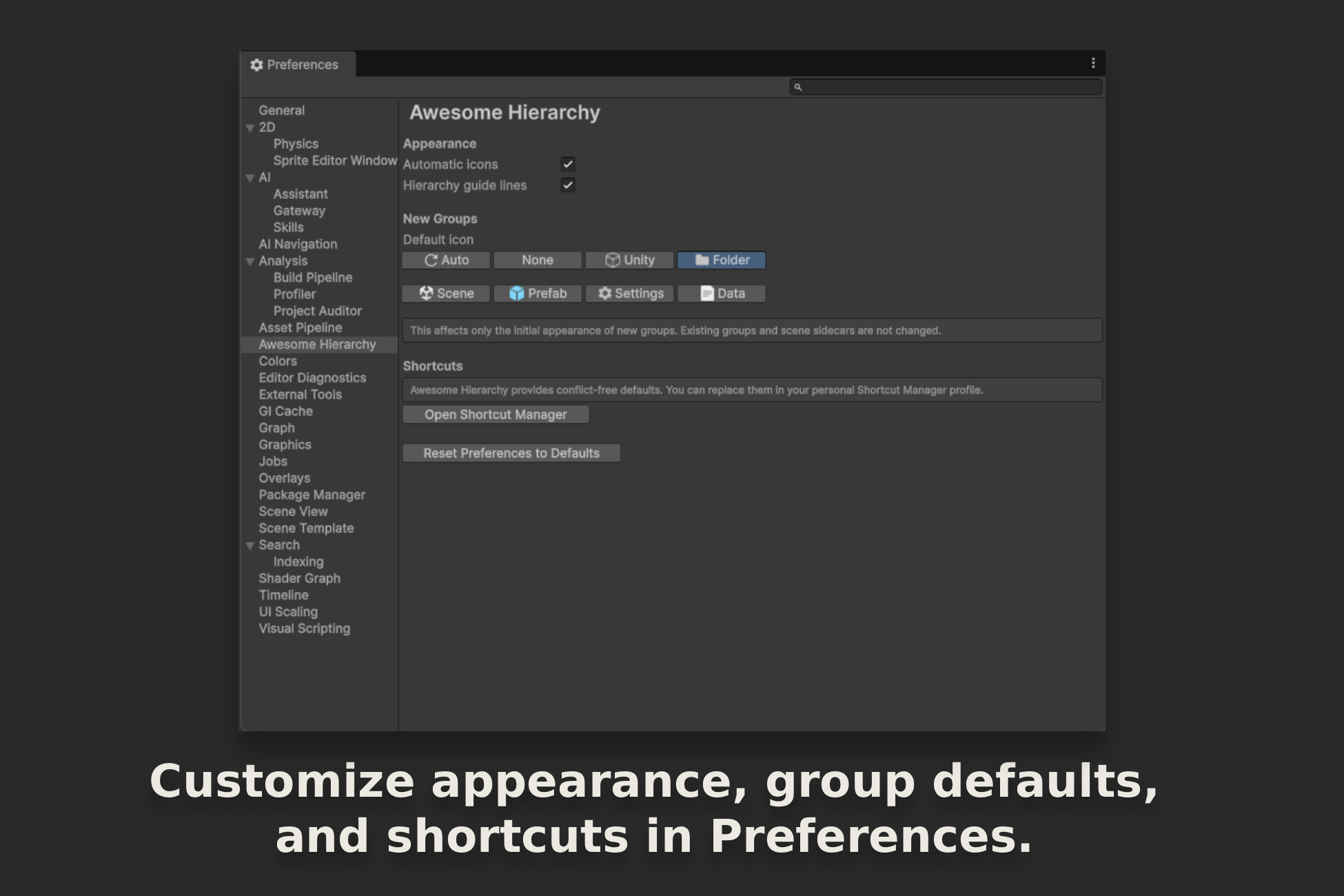
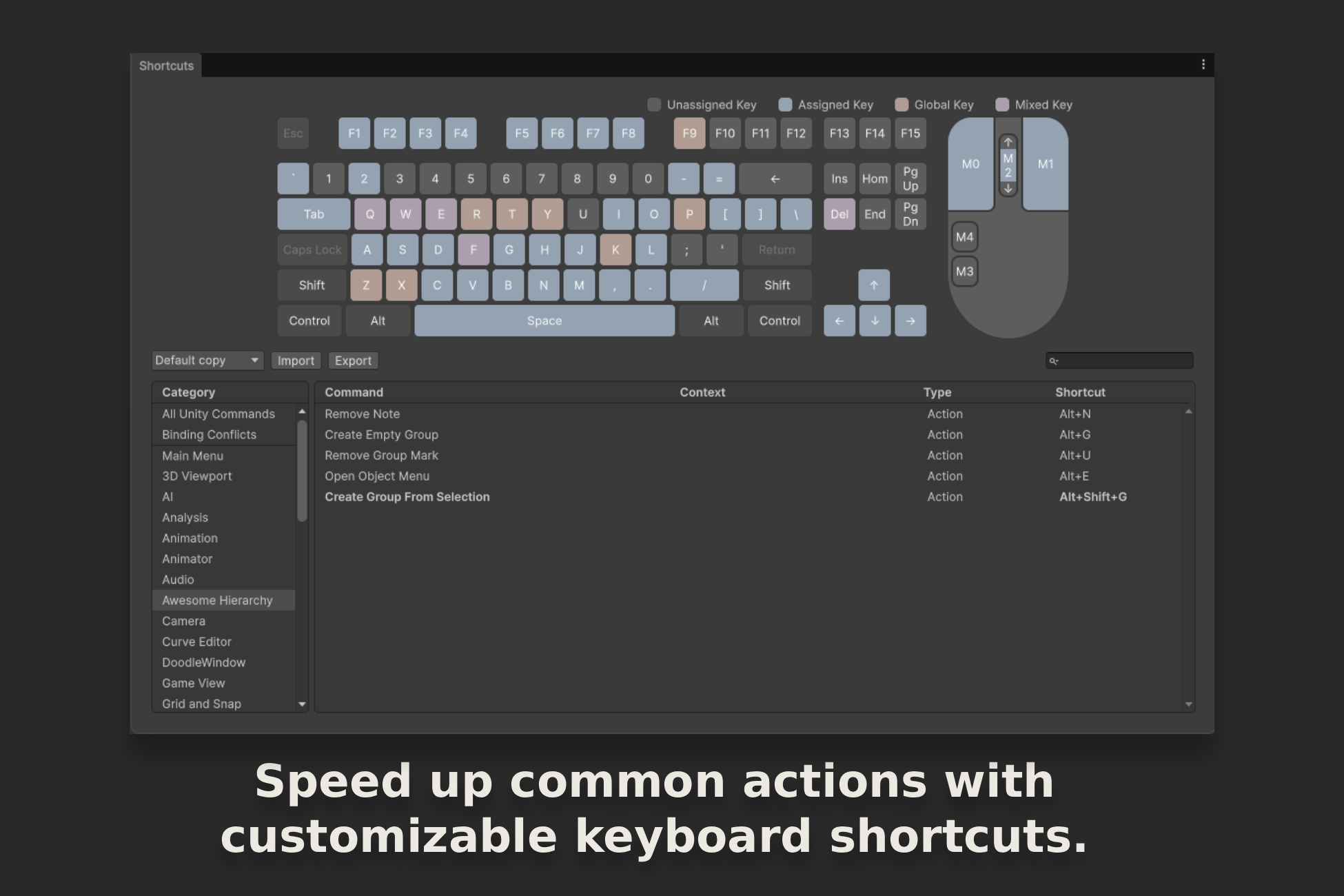
1 / 10
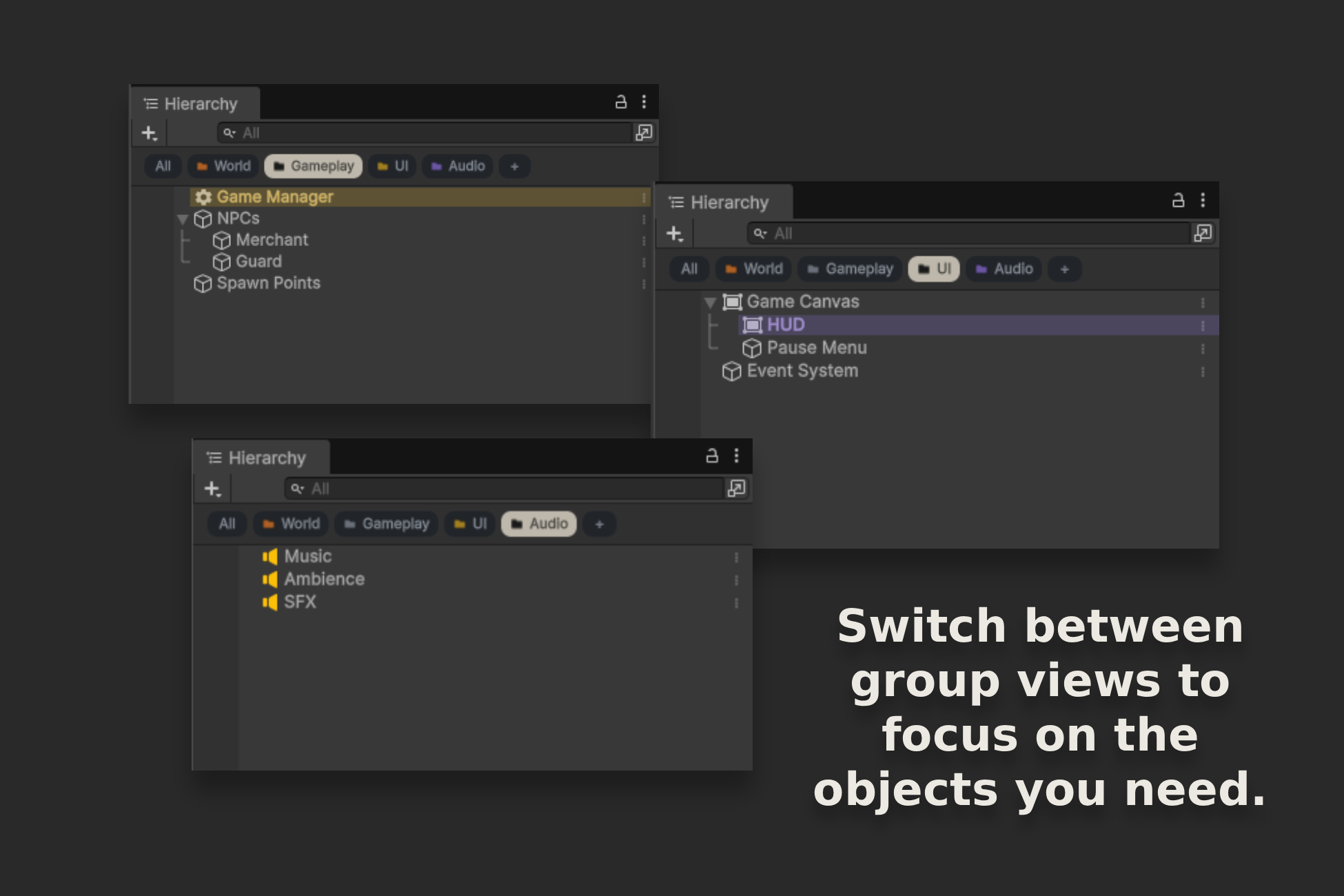
Awesome Hierarchy helps you quickly navigate scenes containing hundreds or thousands of objects. Organize content into logical groups, switch between their views, and add the context you need directly in the Hierarchy.
Groups can represent the world, gameplay, UI, audio, or any division that suits your project. Selecting a group limits the view to its contents, so you do not have to search through the entire scene.
Awesome Hierarchy is an Editor-only tool. It does not add runtime components to objects and does not affect the behavior of the finished game.
Available now
A ready-to-use, flexible fishing system for 3D games. Includes casting, bites, fighting fish, fishing spot configuration, a rod bu...
Coming soon
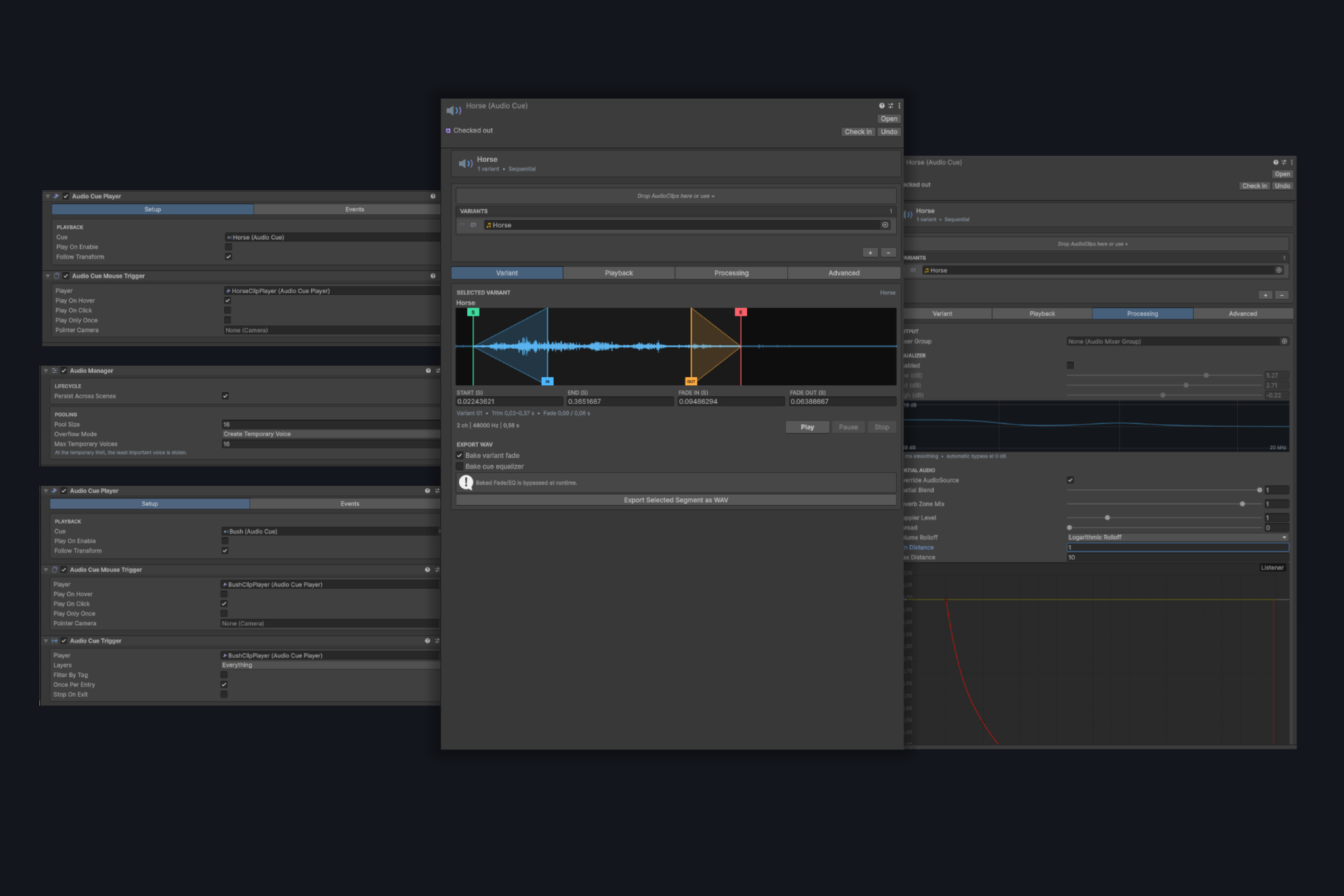
AudioCue lets you create multi-variant audio assets, edit trim, fade, and EQ directly on the waveform, and play sound through a po...