Available now
Fishing Game Tool: Refreshed
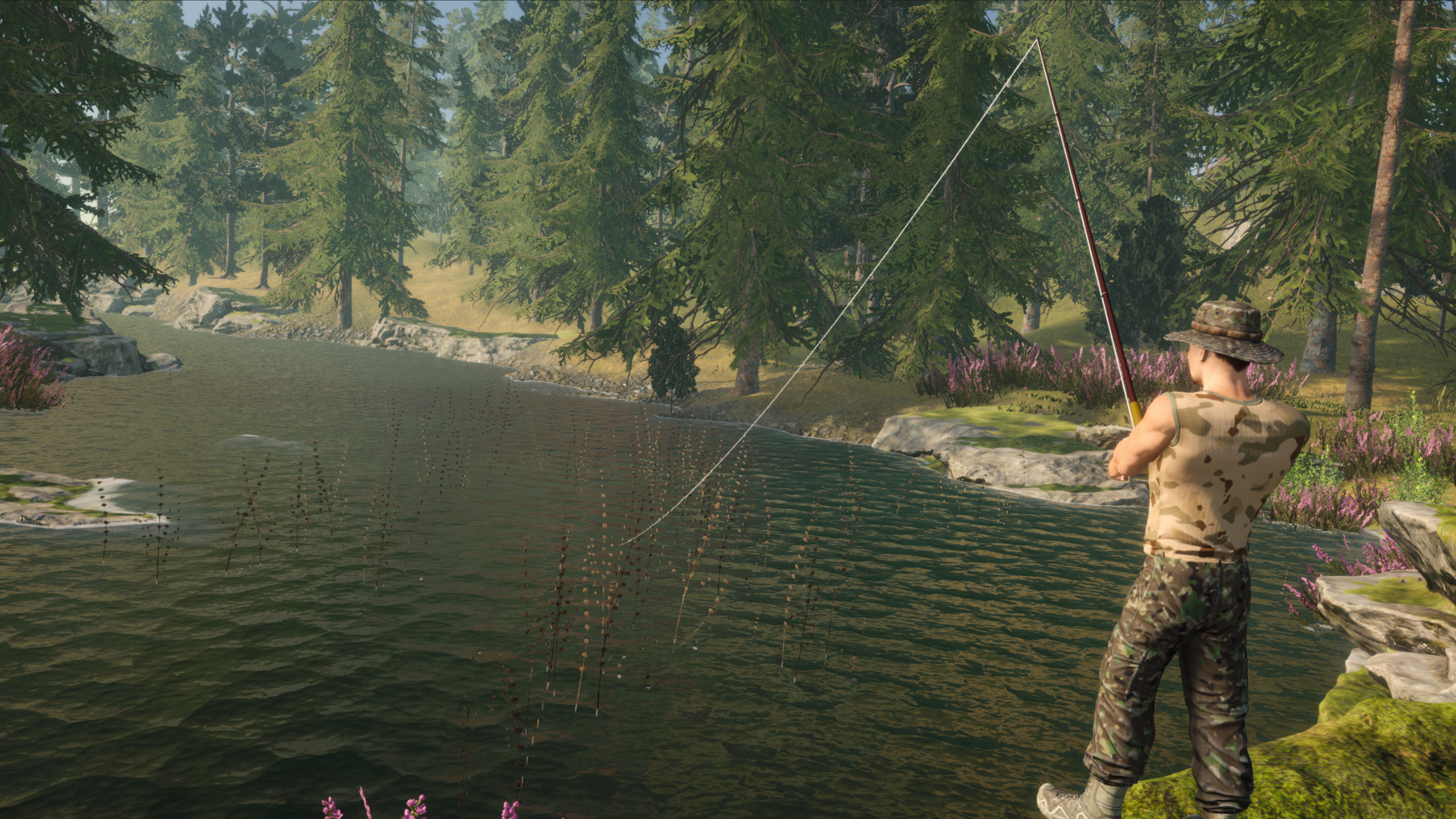
A ready-to-use, flexible fishing system for 3D games. Includes casting, bites, fighting fish, fishing spot configuration, a rod bu...
- Built-In
- URP
- HDRP
- Requires Unity
- 2022.3.4f1 or newer
Coming soon
AudioCue lets you create multi-variant audio assets, edit trim, fade, and EQ directly on the waveform, and play sound through a pooled AudioManager.
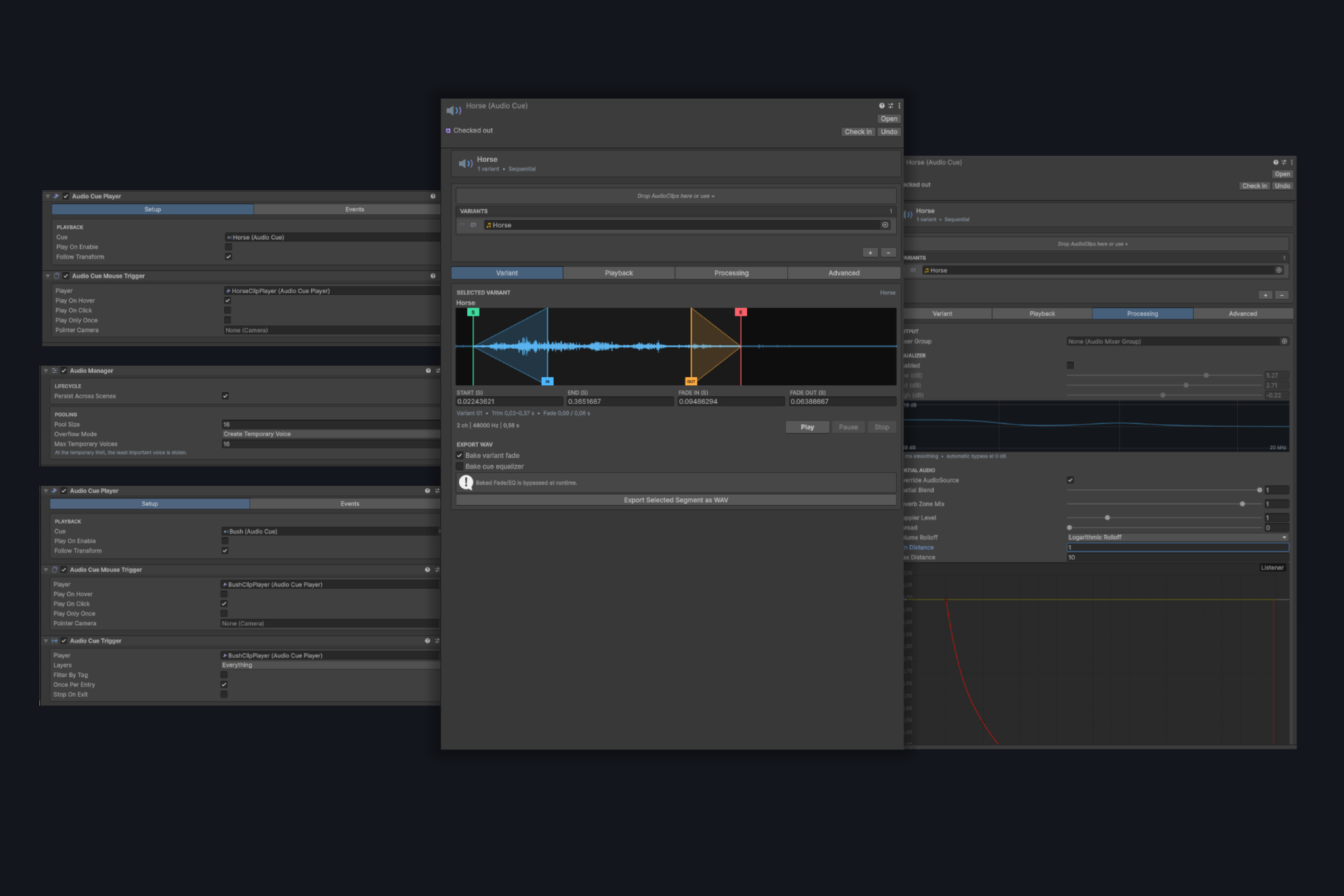
AudioCue is a tool for creating, editing, and playing multi-variant audio assets in Unity projects. It combines a visual waveform editor with a pooled runtime system, ready-to-use components, and a public API.
Group multiple AudioClips in a single AudioCue asset, configure how variants are selected, and control playback from one place. Each variant can have its own range, weight, fade-in, and fade-out.
The built-in editor lets you set the playback range directly on the waveform, configure fades, preview the result, and export the selected section to a new WAV file. The original AudioClips are not modified.
The equalizer works non-destructively during playback and preview. Fade and EQ can optionally be baked into the exported WAV file.
AudioManager uses an AudioSource pool and supports simultaneous voice limits, cooldowns, controlled temporary voices, and priority-based voice stealing.
AudioHandle provides safe control over active playback, including pause, resume, stop, state, and end reason.
AudioCue 2.0 is a major, backward-incompatible update. Assets, components, prefabs, and serialized references from version 1.0 are not migrated automatically.
Before importing version 2.0, remove the old Assets/AudioClipToolkit folder, recreate AudioClipData assets as AudioCue assets, and reconnect the required components and events.
The package includes installation instructions, a quick start, an AudioCue authoring guide, API documentation, migration instructions, and troubleshooting.
The package includes third-party sounds under the CC0 and Pixabay Content License. Details are available in ThirdParty/ThirdPartyNotices.txt.
Available now
A ready-to-use, flexible fishing system for 3D games. Includes casting, bites, fighting fish, fishing spot configuration, a rod bu...
Available now
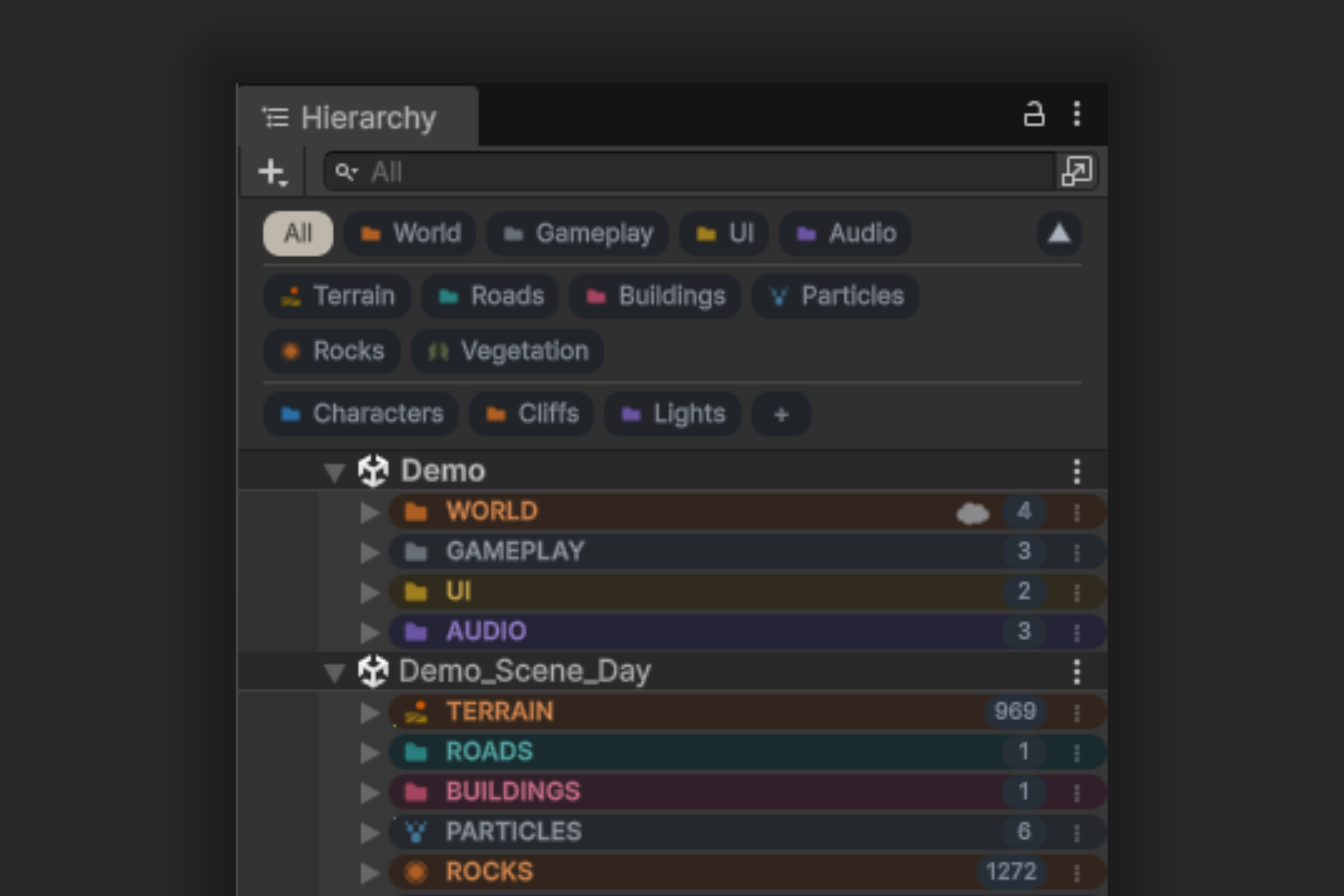
Awesome Hierarchy helps organize complex scenes with groups, filtered views, colors, icons, and notes. Find the objects you need f...